Chrome extension + Google Calendar
Revise LeetCode problems before you forget them.
LeetRevise helps you schedule spaced repetition for problems you couldn't solve, then sends every revision directly to your Google Calendar.
First,install the Chrome extension, then connect your account.
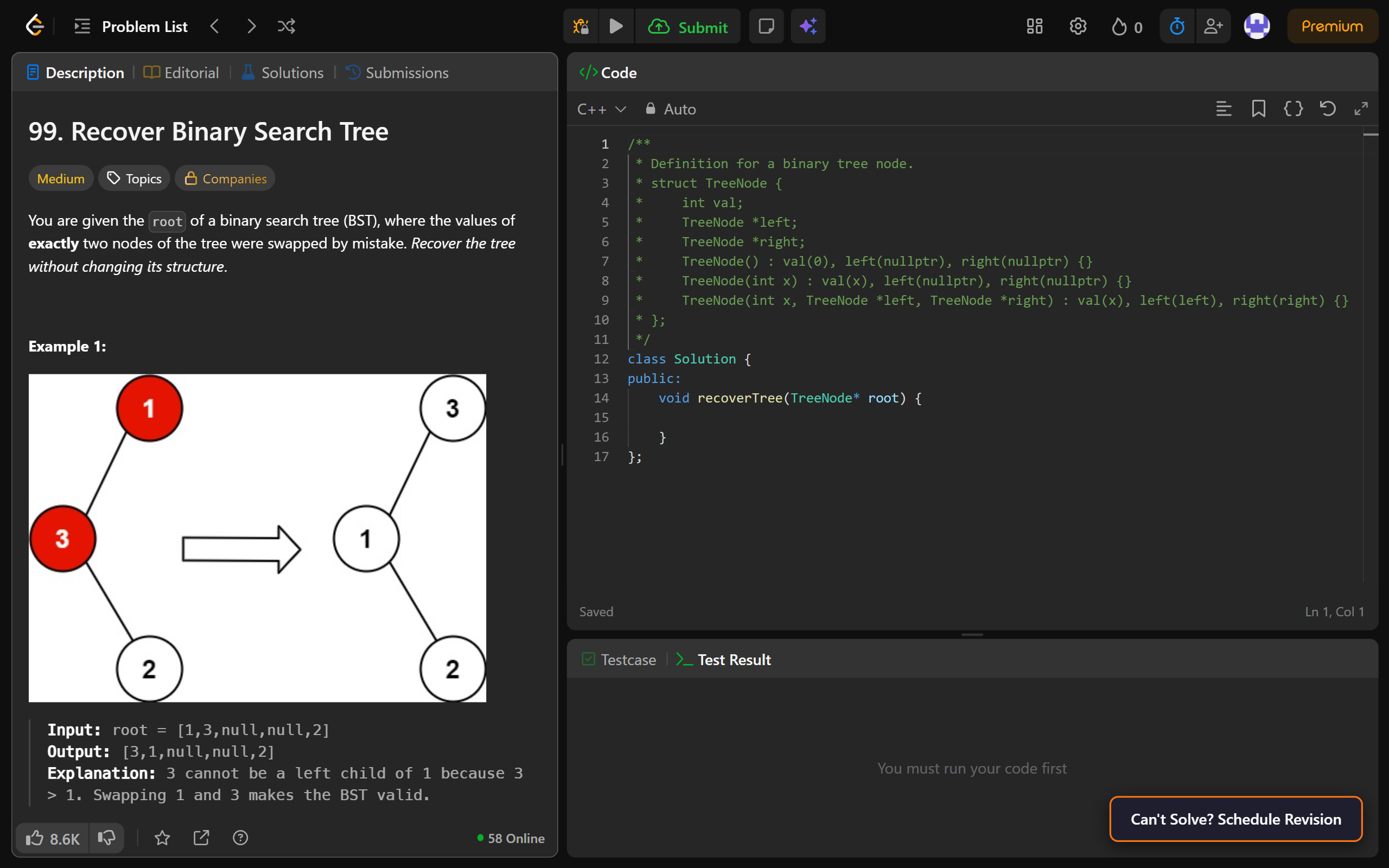
One-click scheduling
A button appears on every LeetCode problem page. Click it to schedule Day 3, 7, 15, and 30 revisions instantly.
Google Calendar syncKey feature
Every revision is added to your Google Calendar automatically, with reminders so you never miss a session.
Daily email digest
Get a morning summary of all problems due for revision that day — straight to your inbox.
Revision dashboard
Track pending problems, solved revisions, and your current streak in a simple dashboard.